Bitbucket to GitHub Repo Migration — Source Migration
Bitbucket to GitHub Repo Migration
Table of Contents
- 1. Migration Concepts
- 2. Tool Landscape
- 3. Tool: bbs2gh (Preferred)
- 3.1 Requirements
- 3.2 Overview
- 3.3 Limitations
- 3.4 Blob Storage
- 3.5 Migration Runner Setup
- 3.6 Running a Migration
- 4 Alternative Tools and Approaches
- 4.1 Export Options
- 4.2 Import Options
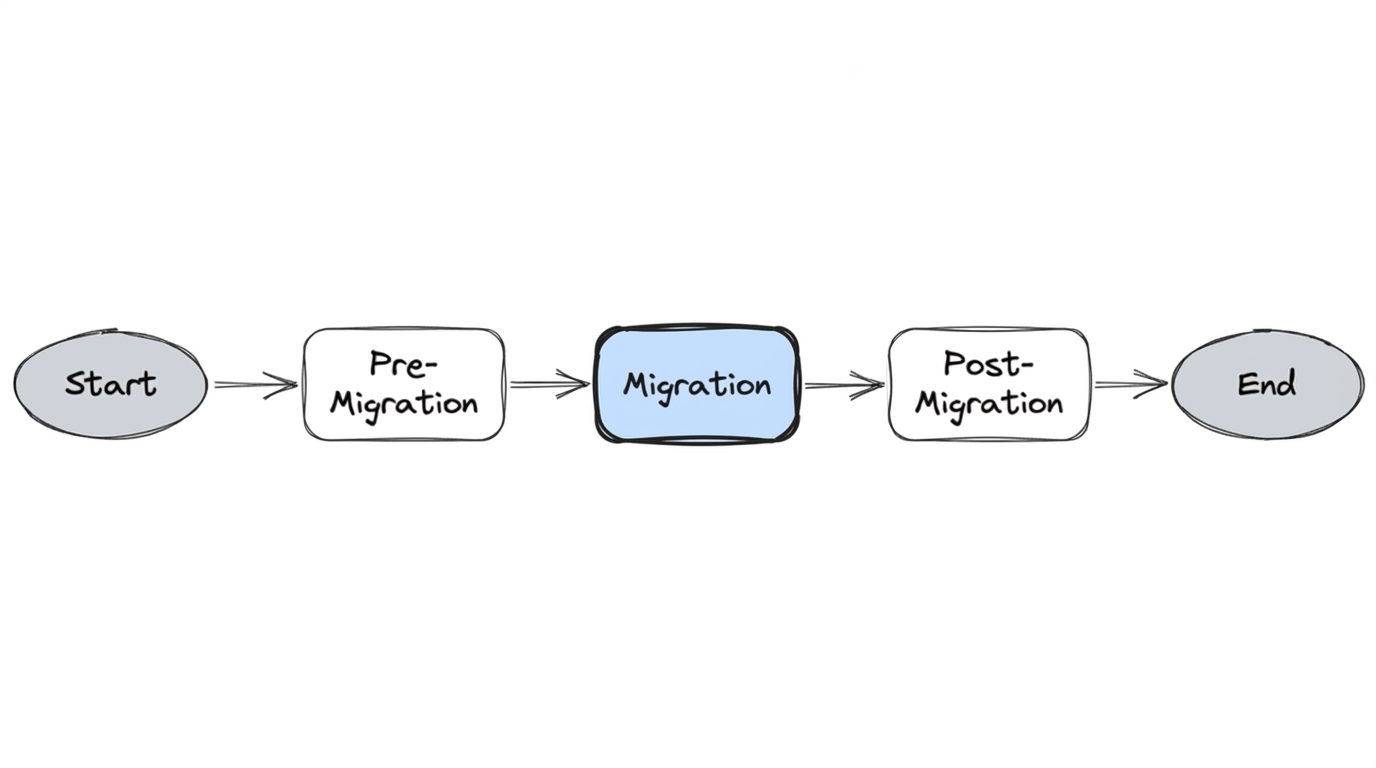
This section covers the migration execution phase—the Bitbucket-to-GitHub pathway for complex migration—including tools and how we moved hundreds of repositories while preserving full collaboration history. For orchestration at scale, see Our Automation.
1. Migration Concepts
Migration from Bitbucket Server to GitHub is a two-phase process: export from the source and import to the destination, followed by validation.
- Export — Create an archive from Bitbucket (Git objects plus metadata such as PRs, comments, reviews)
- Import — Upload the archive and have GitHub ingest it into the destination repository
- Validation — Verify the migrated data (commits, PRs, tags, authorship)
Different tools handle different parts of this flow. Some do both export and import in one step (e.g., bbs2gh); others require separate export and import tools. Each tool has its own requirements—for example, bbs2gh needs blob storage (AWS or Azure) because GitHub's import service runs in the cloud and cannot reach your internal Bitbucket Server.
Before running migration, ensure Pre-Migration Steps are complete—analysis, cleanup, rules extraction, and the per-repository readiness checklist.
2. Tool Landscape
| Approach | Export | Import | Notes |
|---|---|---|---|
| bbs2gh (integrated) | Bitbucket Migration API | GitHub API via blob storage | Single command; our preferred tool |
| Separate tools | Bitbucket Migration API or bbs-exporter | ghec-importer, GitHub UI, or GraphQL | More flexibility; more steps |
We used bbs2gh for its simplicity and full-fidelity support. The sections below cover bbs2gh in detail, then alternative export and import options.
3. Tool: bbs2gh (Preferred)
bbs2gh is the tool used to migrate repositories from Bitbucket Server to GitHub. For complex migration, we used it to migrate all repository metadata, including commit history, pull requests, commit comments, and reviews. bbs2gh is an extension of the GitHub CLI and is part of the GitHub Enterprise Importer project. The tool is used for both export and import of repositories.
3.1 Requirements
bbs2gh has specific requirements for Bitbucket, GitHub, and blob storage. Other tools (e.g., GraphQL import) have different requirements.
Bitbucket Server
| Requirement | Details |
|---|---|
| Account | User with admin or super admin permissions |
| SSH | Access to Test and Prod instances (Linux); required for SFTP archive retrieval |
| API access | HTTP access to Bitbucket REST APIs for archive creation and repository metadata |
Archive creation uses HTTP GET (no separate POST). Configure network mount share for archive storage so the migration runner can access archives without manual copy:
https://bitbucket.example.com/projects/PROJ/repos/my-repo/archive?format=zip
Note — Archive size vs. repository size: The archive Bitbucket produces is typically larger than the
.gitfolder alone. Bitbucket Server holds additional metadata—pull request data, commit comments, reviewer information, plugin state, and internal indexes. Factor this into blob storage capacity planning and bbs2gh's 10GB limit.
GitHub
- Create a personal access token (classic) with the scopes in the table below
- Grant the migrator role via CLI (not a default role)
- Enable the feature flag on the tenant to allow full import for the migration account
| Task | Organization owner (UI or API) | Migrator (bbs2gh only) |
|---|---|---|
| Running a migration (source organization) | read:org, repo | read:org, repo |
| Assigning the migrator role for repository migrations | admin:org | — |
| Running a repository migration (destination organization) | repo, admin:org, workflow | repo, read:org, workflow |
| Downloading a migration log | repo, admin:org, workflow | repo, read:org, workflow |
| Reclaiming mannequins | admin:org | — |
For full details, see GitHub's migration documentation. Coordinating these across security, infrastructure, and platform teams took longer than we anticipated—budget time for it.
3.2 Overview
Once prerequisites and tokens are set, bbs2gh:
- Initiates a call to Bitbucket Server to create an archive
- Exports the archive from BBS (a
.tarfile created on the Bitbucket server) - Uploads the archive to blob storage (AWS or Azure)
- Delegates to GitHub's backend API to import the archive
3.3 Limitations
- 10GB size limit per repository
- 10GB limit for metadata (PRs, comments, etc.)
- Git LFS objects are not migrated by the tool—we addressed LFS during pre-migration cleanup, so this was not a blocker
Repositories that exceeded limits had to be remediated in pre-migration before they could be migrated.
3.4 Blob Storage
The tool uploads the archive to blob storage (AWS or Azure) before delegating to GitHub's import API. This is by design: GitHub's import service runs in the cloud and cannot reach your internal Bitbucket Server behind a firewall. The blob store acts as a publicly accessible intermediary—your migration runner uploads the archive there, and GitHub's backend pulls it from the same location without needing network access to your internal infrastructure.
The bucket name must be unique. Note: GitHub Enterprise Importer does not delete your archive after migration is finished. To reduce storage costs, configure auto-deletion of the archive after a period of time (e.g., via lifecycle configuration on the bucket).
3.5 Migration Runner Setup
To run bbs2gh, you need a machine or container with:
- SSH access to Bitbucket — Keys configured for SFTP archive retrieval
- Blob storage credentials — AWS or Azure; bbs2gh uploads the archive before GitHub imports it
- GitHub CLI with gh-bbs2gh —
gh extension install github/gh-bbs2gh
Our github-migration-tools Docker image packages all of this—bbs2gh, GitHub CLI, SSH config, and AWS/Azure CLI—for deterministic runs. For our migration runner architecture and how we orchestrated it at scale, see Our Automation.
3.6 Running a Migration
For reference, the equivalent manual invocation (one repo at a time):
export AWS_SECRET_ACCESS_KEY=<>
export AWS_ACCESS_KEY_ID=<>
export AWS_REGION=us-east-1
export BBS_USERNAME=<>
export BBS_PASSWORD=<>   # Plain text password or token
export GH_PAT=<>

gh bbs2gh migrate-repo \
  --bbs-server-url 'https://your-bitbucket-server' \
  --bbs-project 'PROJECT' \
  --bbs-repo 'repo-name' \
  --github-org 'your-github-org' \
  --github-repo 'destination-repo' \
  --ssh-user 'service-account' \
  --ssh-private-key '/path/to/private/key' \
  --aws-bucket-name 'your-migration-bucket' \
  --bbs-shared-home '/data/atlassian/bitbucket/shared'
Sample output — The tool returns a JSON response indicating migration status:
{
  "id": 44,
  "initiator": { "name": "svc-account", "displayName": "svc-account", ... },
  "progress": { "percentage": 0 },
  "state": "INITIALISING",
  "type": "com.atlassian.bitbucket.migration.export",
  ...
}
Review the migration log for success or failure. In our setup, the automation invoked this inside the container—no manual run. See Our Automation.
4. Alternative Tools and Approaches
While bbs2gh was our preferred tool, it's worth understanding the full landscape. Each phase—export and import—has multiple options.
4.1 Export Options
Option 1: Bitbucket Server Migration API (used by bbs2gh)
This is what bbs2gh uses under the hood. A POST to the Bitbucket migration exports endpoint triggers archive creation:
curl --location --request POST \
  'https://bitbucket.example.com/rest/api/latest/migration/exports' \
  --header 'Authorization: Basic <credentials>' \
  --header 'Content-Type: application/json' \
  --data-raw '{
    "repositoriesRequest": {
      "includes": [
        { "projectKey": "PROJ", "slug": "repo-name" }
      ]
    }
  }'
The response returns a migration job with state tracking (INITIALISING → EXPORTING → complete). The archive includes Git objects plus Bitbucket metadata (PRs, comments, reviews).
Option 2: bbs-exporter (deprecated)
bbs-exporter was the previous tool for exporting from Bitbucket Server. It is no longer maintained and not publicly accessible. It used simple GET calls to retrieve all data from a repository—commits, comments, pull requests—but operated at a much slower pace. For example, exporting a large monorepo took approximately 13 hours. The output was a *.tar.gz archive.
export BITBUCKET_SERVER_URL=https://bitbucket.example.com
export BITBUCKET_SERVER_API_USERNAME=<USERNAME>
export BITBUCKET_SERVER_API_PASSWORD=<PASSWORD>

bundle exec exe/bbs-exporter -r PROJ/repo-name -o repo-name.tar.gz
We evaluated this early and ruled it out due to speed constraints at our scale.
4.2 Import Options
Option 1: ghec-importer CLI
ghec-importer is the former CLI tool for importing data into GitHub. It leverages GraphQL APIs under the hood. The workflow: take the archive from the export step, upload it to GitHub's blob storage, and import. For authorization, create a GitHub personal access token with repo, admin:org, and workflow scopes.
Repository renaming is supported via a mappings.csv file:
model_name,source_url,target_url,recommended_action
repository,https://bitbucket.example.com/projects/PROJ/repos/repo-name,https://github.com/your-org/new-repo-name,RENAME
ghec-importer import repo-name.tar.gz \
  -a <GITHUB_TOKEN> \
  -t your-org \
  -m mappings.csv
Option 2: GitHub Enterprise Cloud Importer UI
GitHub provides a web UI at https://eci.github.com/ for running imports interactively. Useful for one-off migrations or verification, but not practical at scale.
Option 3: GraphQL APIs (direct)
For full control, you can drive the import process step-by-step via GitHub's GraphQL API. All calls are POST requests to https://api.github.com/graphql authenticated with a GitHub PAT. The flow:
Step 1 — Get the organization ID:
query($login: String!) {
  organization(login: $login) {
    login
    id
    name
  }
}
Step 2 — Create a migration object:
mutation($organizationId: ID!) {
  startImport(input: { organizationId: $organizationId }) {
    migration {
      uploadUrl
      guid
      id
      state
    }
  }
}
This returns a state: "WAITING" and an uploadUrl for the archive.
Step 3 — Upload the archive:
curl --location --request POST '<uploadUrl>' \
  --header 'Content-Type: application/gzip' \
  --header 'Accept: application/vnd.github.wyandotte-preview+json' \
  --header 'Authorization: Bearer <GITHUB_TOKEN>' \
  --data-binary '@/path/to/repo-name.tar.gz'
Step 4 — Prepare the import:
mutation($migrationId: ID!) {
  prepareImport(input: { migrationId: $migrationId }) {
    migration { guid, id, state }
  }
}
Step 5 — Resolve conflicts (user mappings):
After preparation, the migration may enter a CONFLICTS state. Query the conflicts:
query($login: String!, $guid: String!) {
  organization(login: $login) {
    migration(guid: $guid) {
      guid
      state
      conflicts {
        modelName
        sourceUrl
        targetUrl
        recommendedAction
      }
    }
  }
}
This returns user conflicts—Bitbucket users that don't map to GitHub accounts. Resolve them with addImportMapping:
mutation($migrationId: ID!) {
  addImportMapping(input: {
    migrationId: $migrationId,
    mappings: [
      {
        modelName: "user",
        sourceUrl: "https://bitbucket.example.com/users/jsmith",
        targetUrl: "https://github.com/jsmith-gh",
        action: MAP
      },
      {
        modelName: "user",
        sourceUrl: "https://bitbucket.example.com/bots/bitbucket.system-user",
        targetUrl: "https://github.com/bitbucket.system-user",
        action: SKIP
      }
    ]
  }) {
    migration { state, guid }
  }
}
Actions include MAP (link to a real GitHub user), SKIP (leave as mannequin), or RENAME.
Step 6 — Execute the import:
mutation($migrationId: ID!) {
  performImport(input: { migrationId: $migrationId }) {
    migration { guid, id, state }
  }
}
Step 7 — Unlock imported repositories:
mutation($migrationId: ID!) {
  unlockImportedRepositories(input: { migrationId: $migrationId }) {
    migration { guid, id, state }
    unlockedRepositories { nameWithOwner }
  }
}
This is the most flexible approach but also the most work to automate. We used bbs2gh because it wraps these APIs into a single command, but understanding the underlying GraphQL flow was essential for debugging failures and building retry logic around specific steps.
Next: Post-Migration